Sports club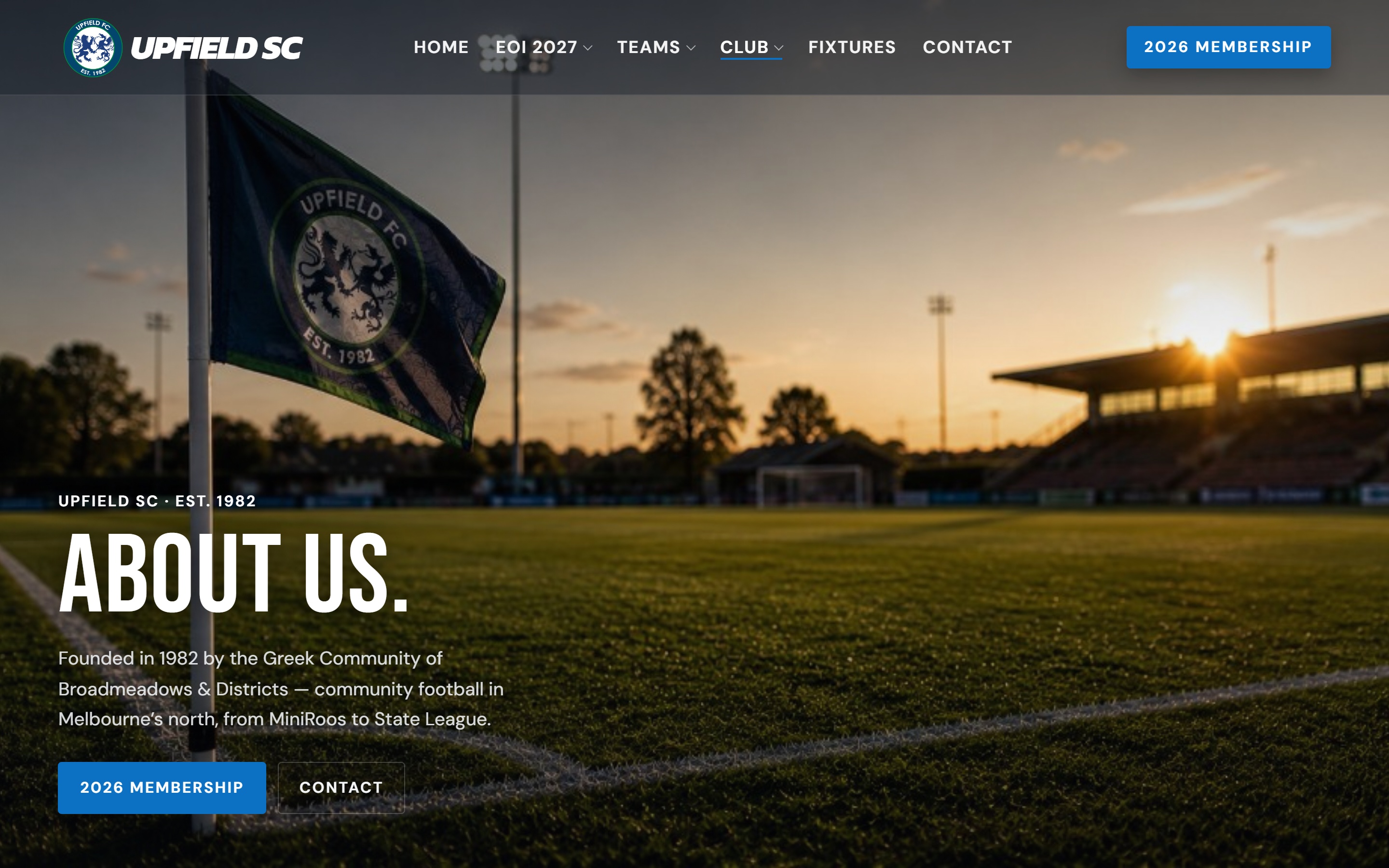
About
Contact
Home
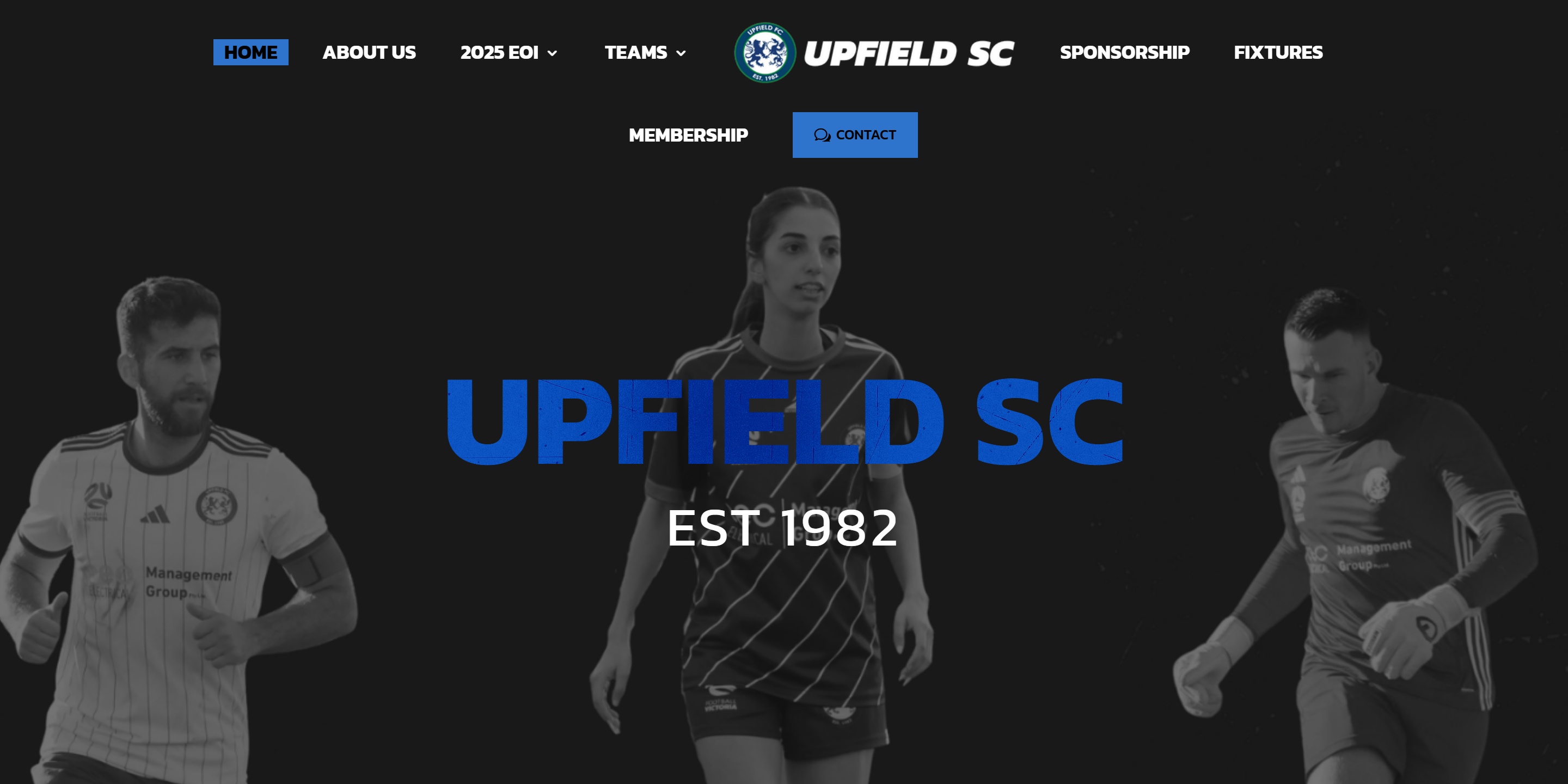
Upfield SC
Complete digital partner — website, Microsoft 365, security and social media configured and supported end to end.
WebsiteMicrosoft 365SecuritySocial Media
Visit website
One connected operating system.
Web, IT, security and cloud under one roof — MrTech Melbourne runs them as one live system for your business.
Services
Every layer of your digital stack, built to work together.Scroll on desktop to explore every layer of your digital stack.All services
Get reliable Managed IT services in Melbourne. Boost productivity with our expert support and a free IT assessment.
Learn more
Practical protection, monitoring and secure configuration for modern businesses.
Learn more
Premium websites built with modern frameworks, not bloated page builders.
Learn more
Email, identity, collaboration and productivity environments configured properly.
Learn more
Backup, cloud access, workflows and optimisation for growing teams.
Learn more
Secure endpoint management across laptops, desktops and mobile devices.
Learn more
Process
We review your website, devices, email, cloud, security and workflows.
We create a cleaner digital operating model for your business.
We build and configure systems properly from day one.
We monitor, improve and support your environment as you grow.
System
Website, email, devices, cloud, identity and cyber security should not feel disconnected. We align them into one operating model.
About
MrTech Melbourne exists because most businesses are tired of juggling a web agency, an IT provider, and a security vendor who never talk to each other.
We’re a local team that designs websites, manages Microsoft 365, secures devices, and supports your environment day to day — so your digital stack feels like one connected system, not a pile of disconnected tools.
Whether you need a faster website, a cleaner email setup, or proper cyber security without the jargon, we build and support it properly from day one.
One partner for your website, cloud, email, devices and security — not three vendors passing the buck.
Local support with real humans who know your business, not a ticket queue on the other side of the world.
Modern frameworks, secure configuration, and clean documentation — not quick fixes that break six months later.
Identity, backup, monitoring and practical protection woven into every project — not bolted on as an afterthought.
Team
Led by Jason.Y — a Melbourne-based team covering strategy, systems, websites and ongoing support.
Founder · Web + IT
Leads MrTech Melbourne — scoping websites, Microsoft 365, managed IT and cyber security together so Melbourne businesses get one accountable partner instead of three vendors.
Project leadership
Scopes web and IT work together, sets priorities, and keeps delivery aligned with business outcomes — not just technical checklists.
Microsoft 365 · cloud · devices
Handles migrations, identity, email authentication, monitoring, backups, and the infrastructure your team relies on every day.
Portfolio
Website projects delivered for Melbourne businesses — built for performance, security and growth.
Complete digital partner — website, Microsoft 365, security and social media configured and supported end to end.
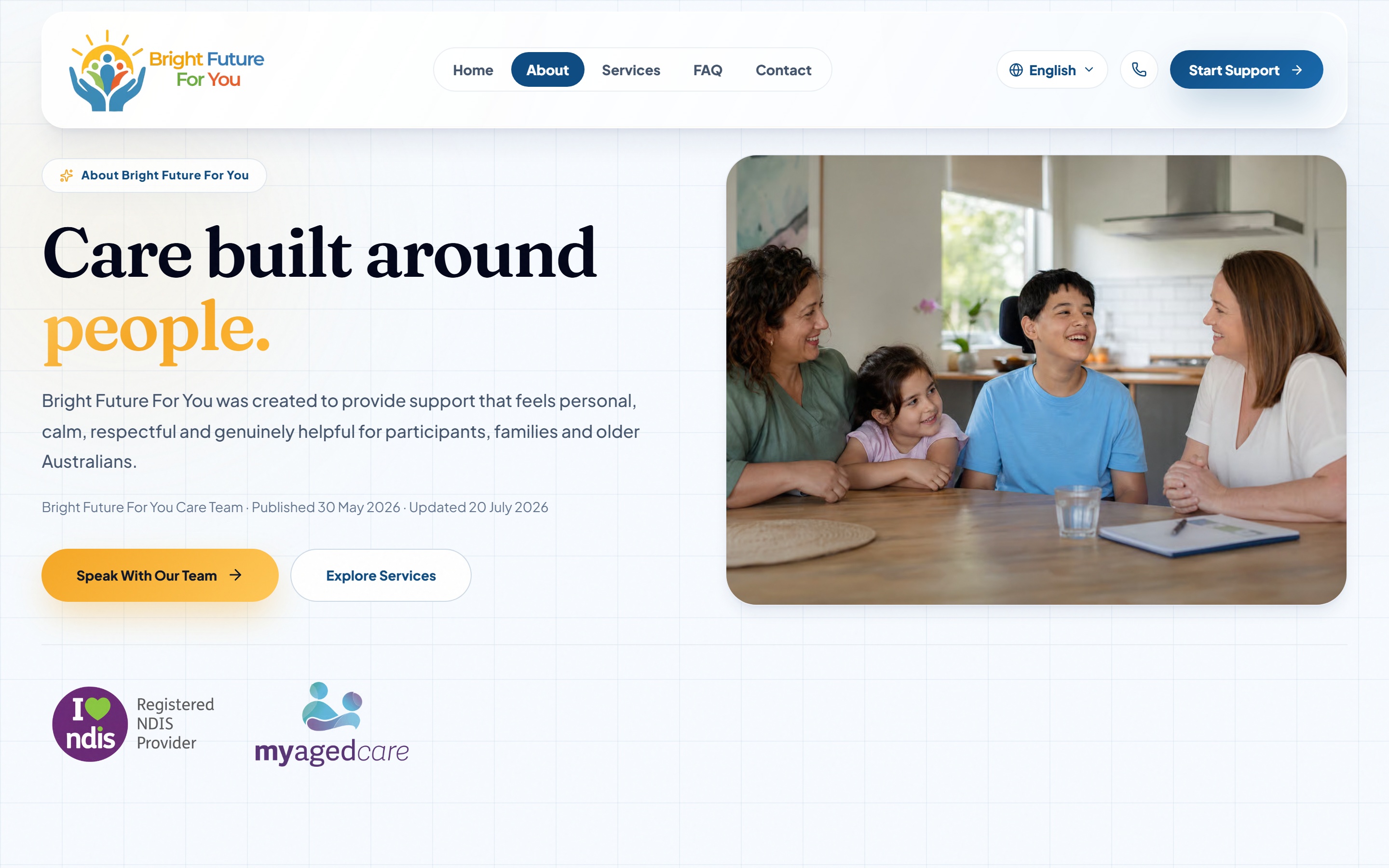
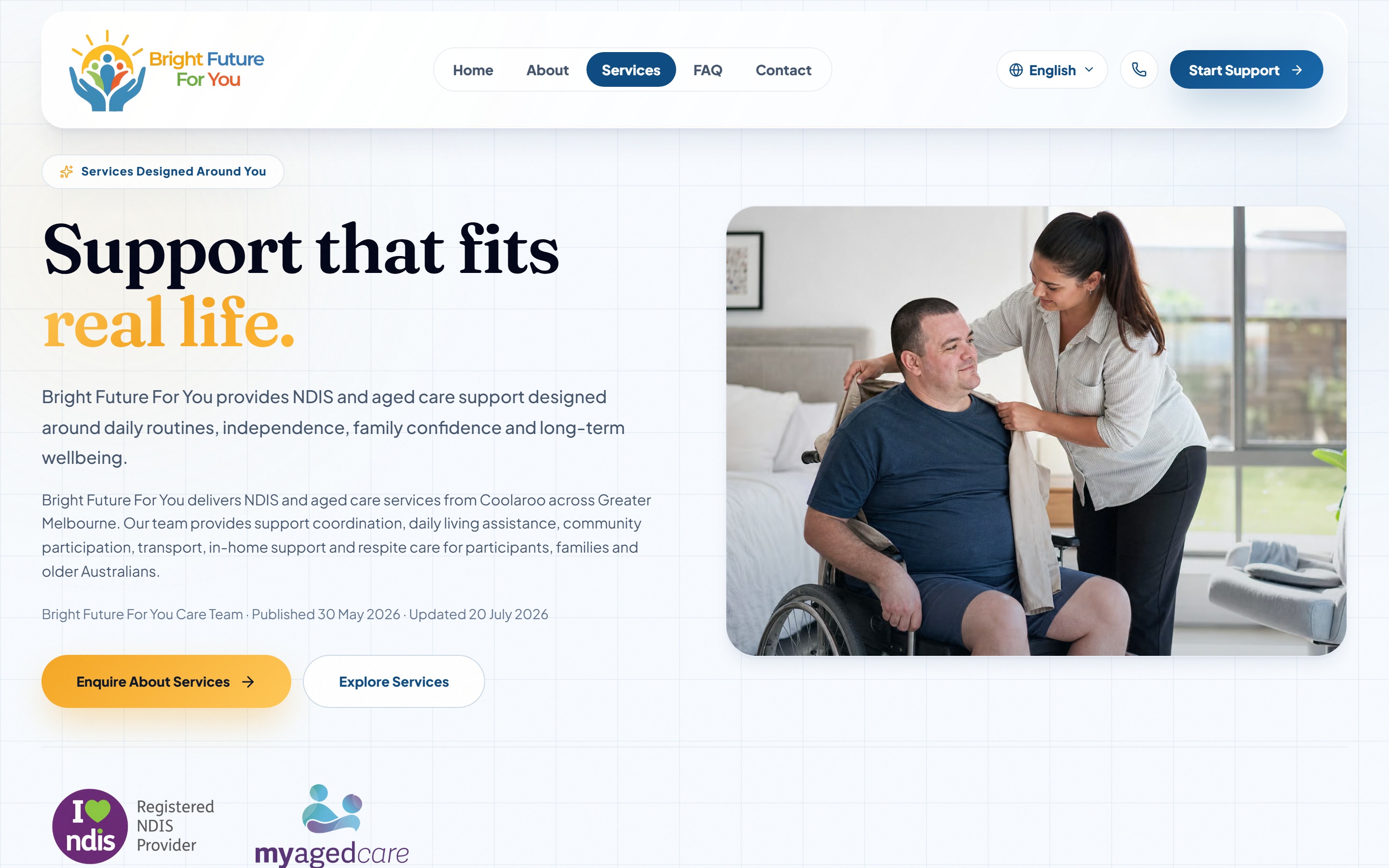
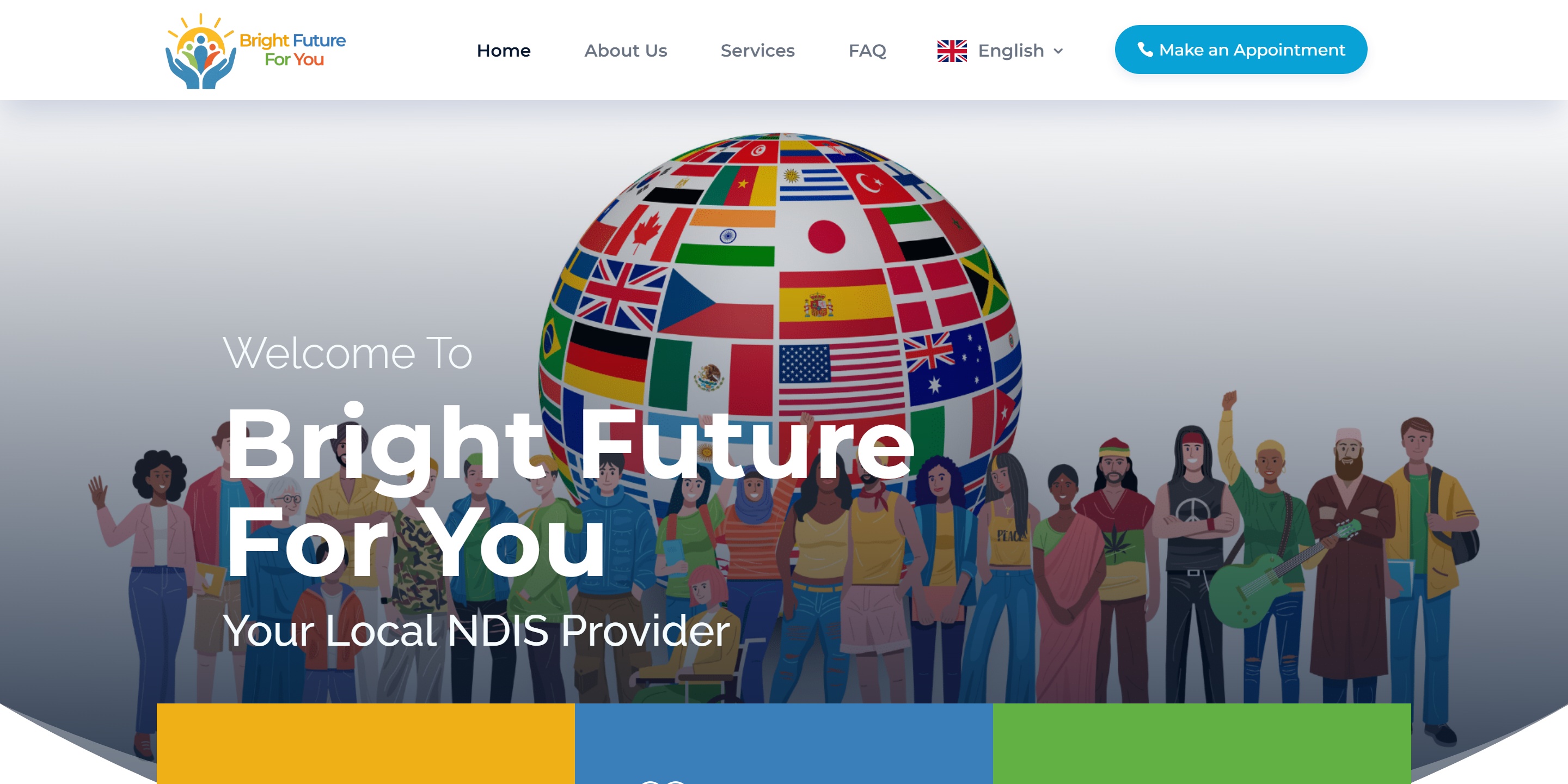
Website, email and security brought together into one clean setup that is easier for the team to manage.
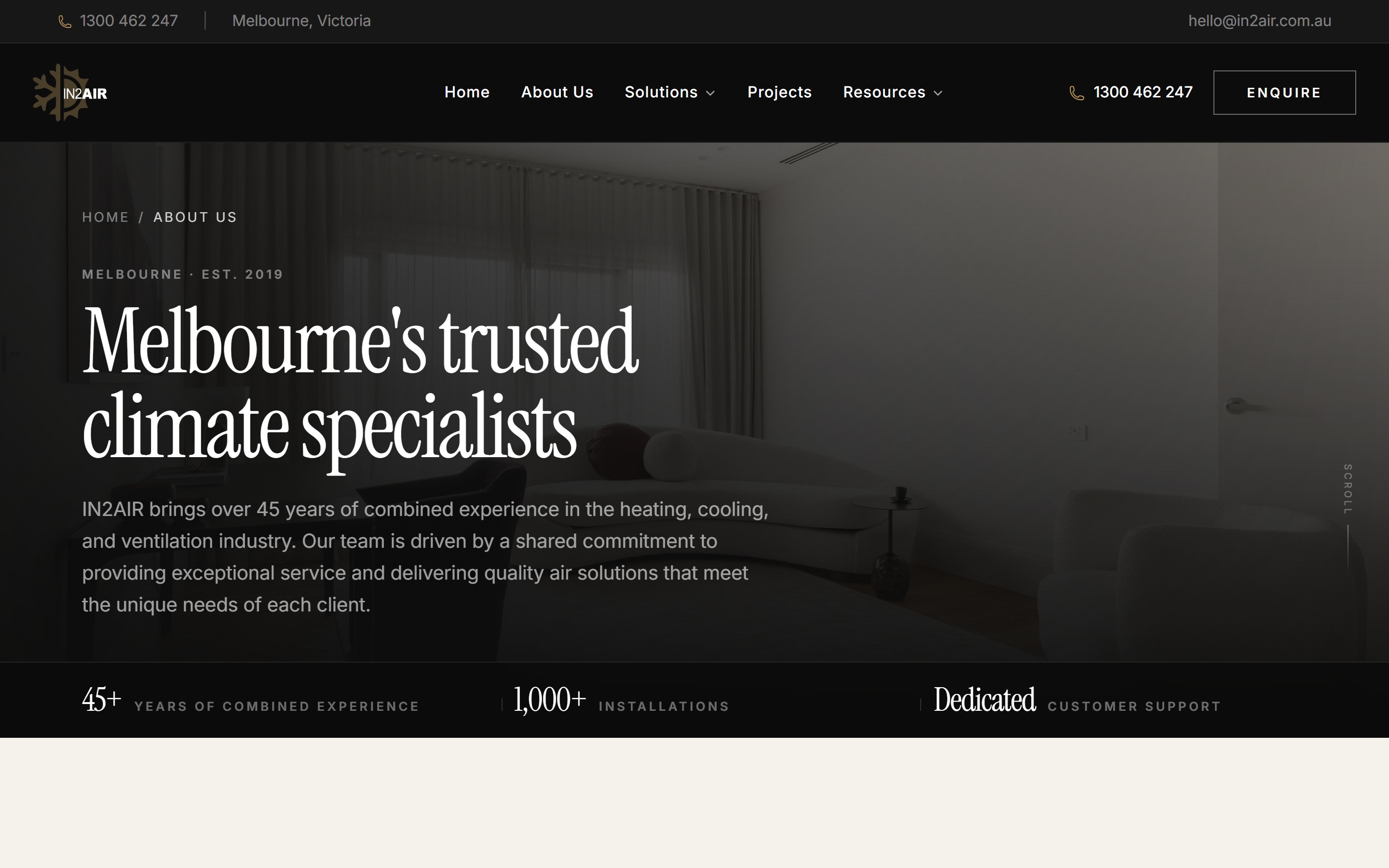
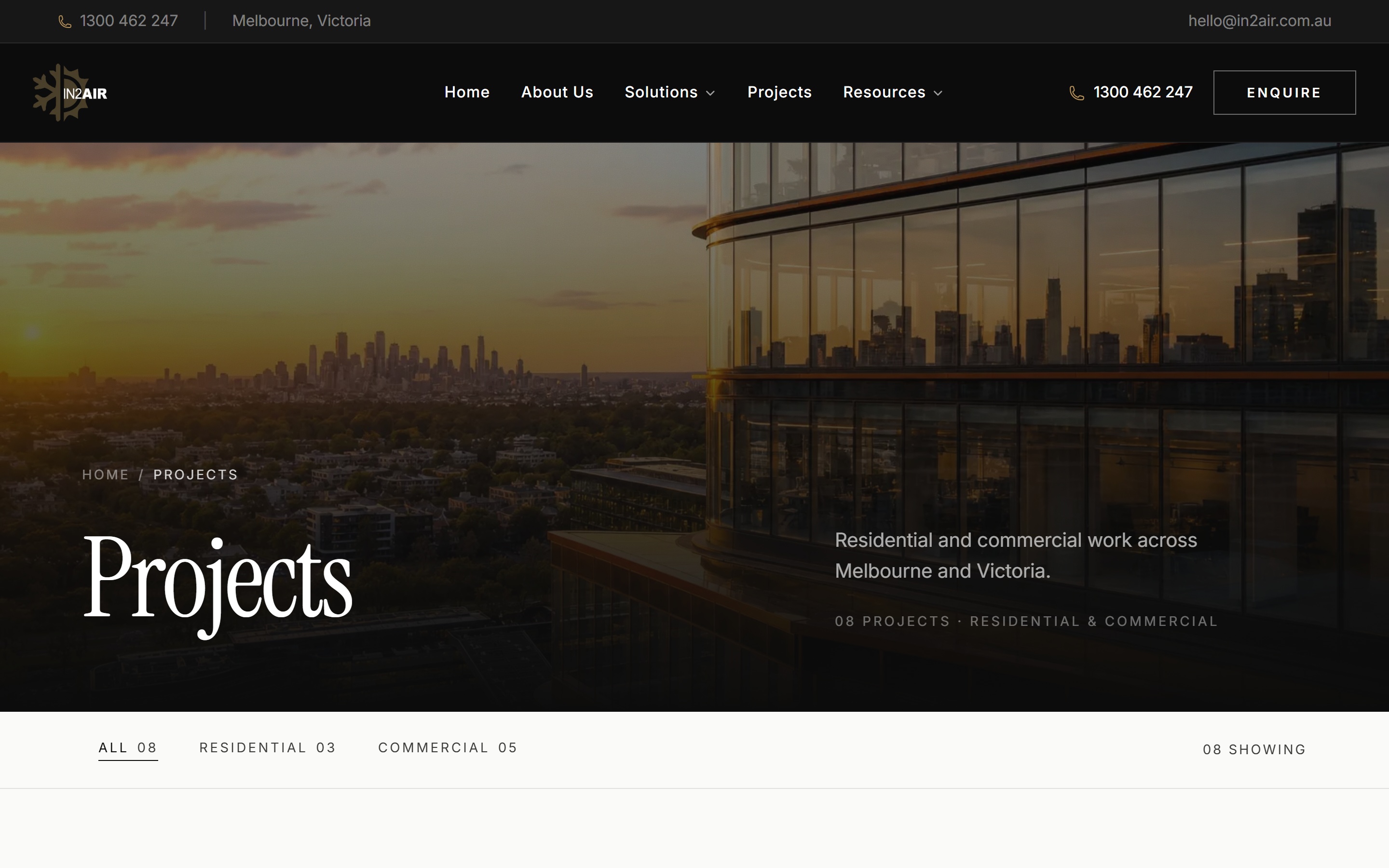
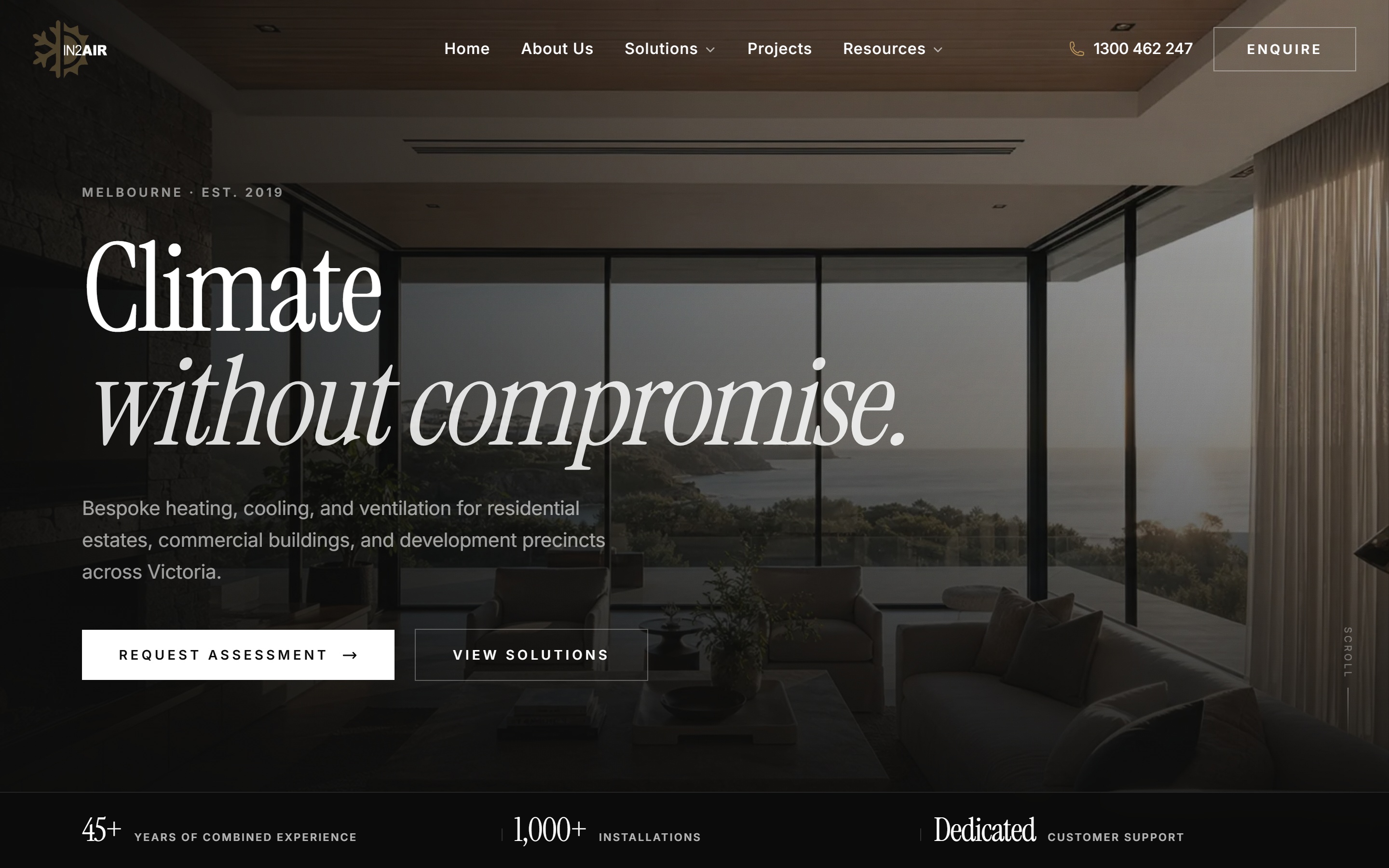
New website launched with Microsoft 365 migration, Intune device management and security delivered as one connected stack.
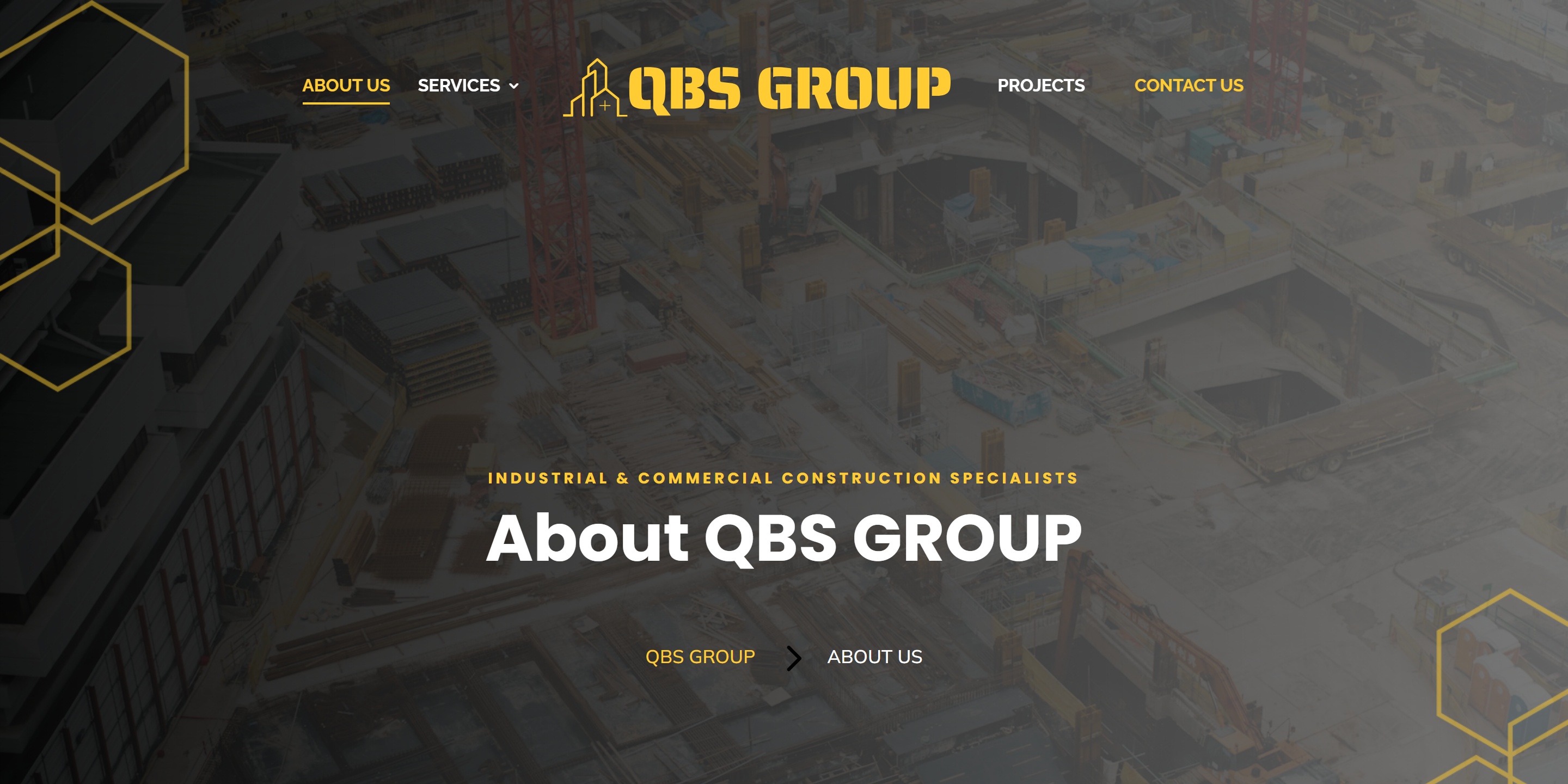
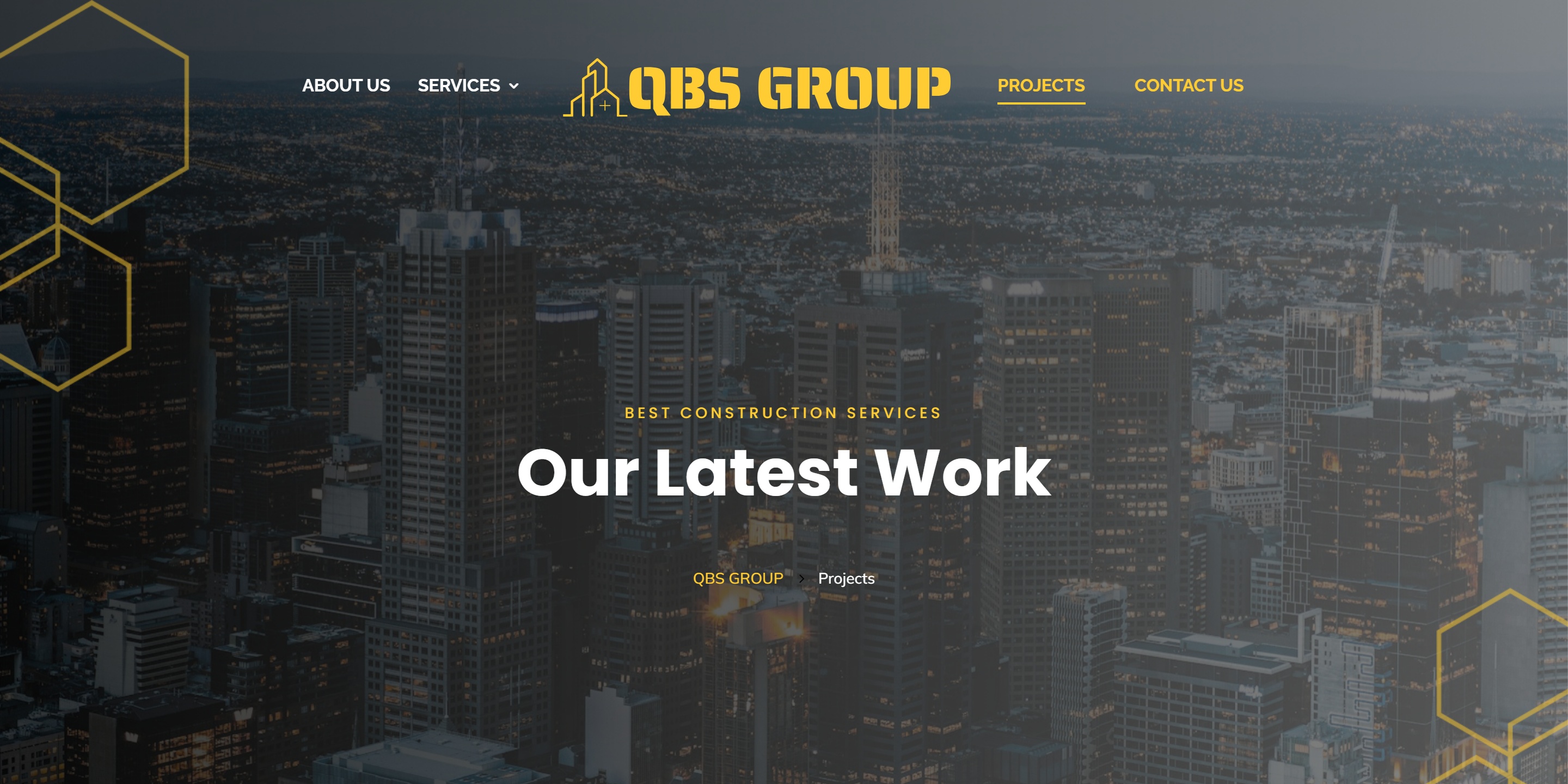
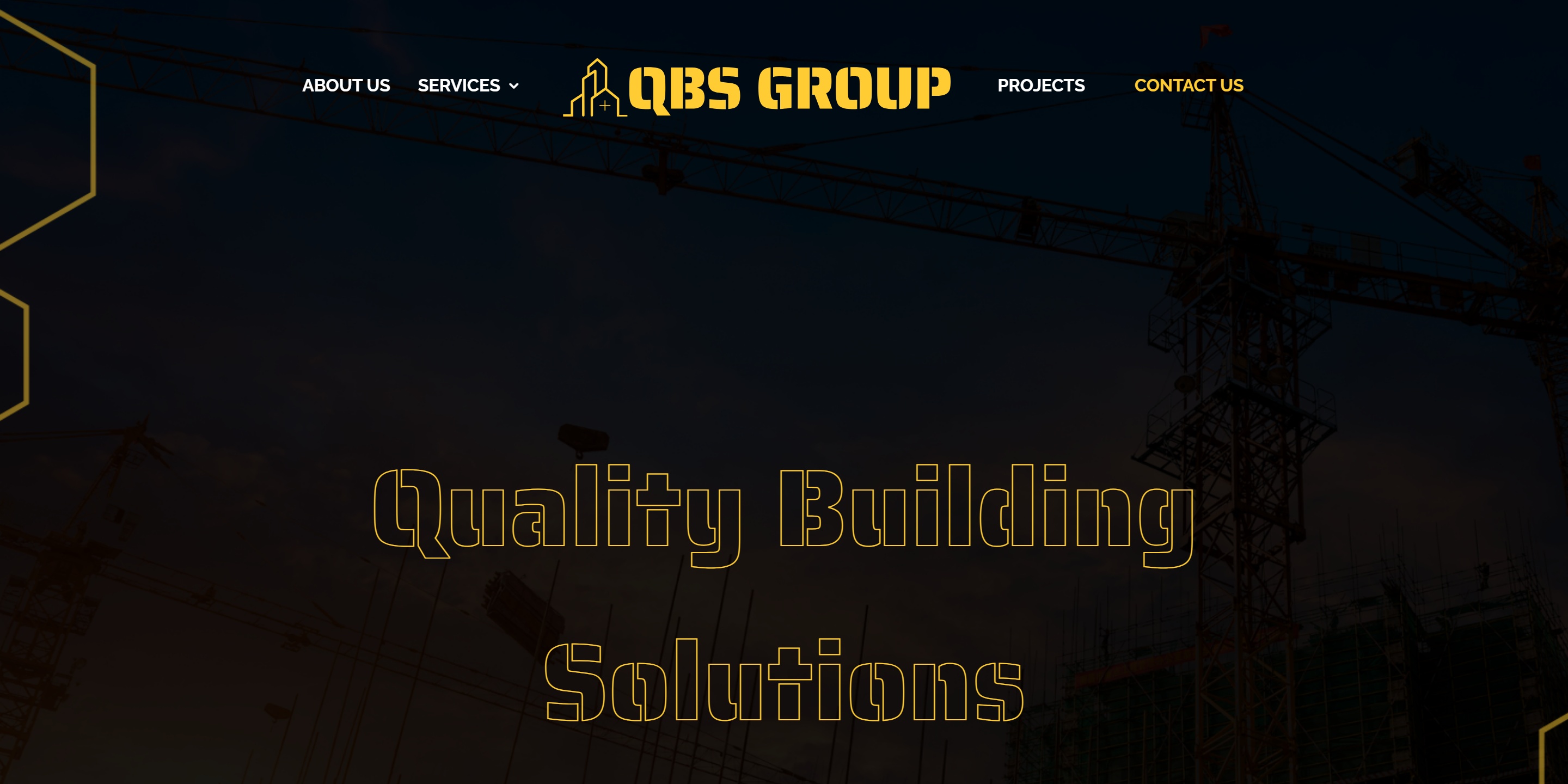
Website, Microsoft 365 and security delivered as one connected stack — professional setup from day one.
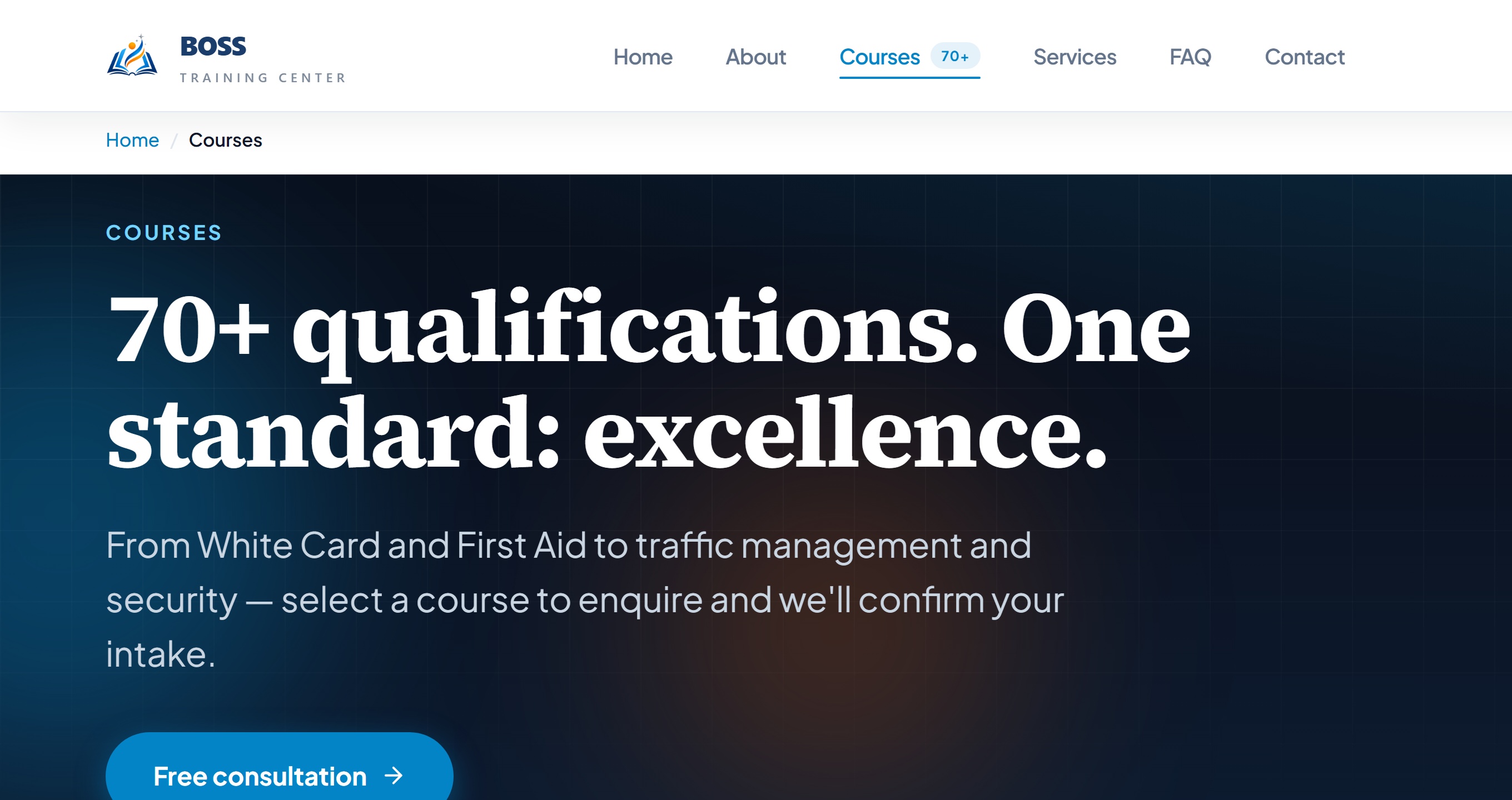
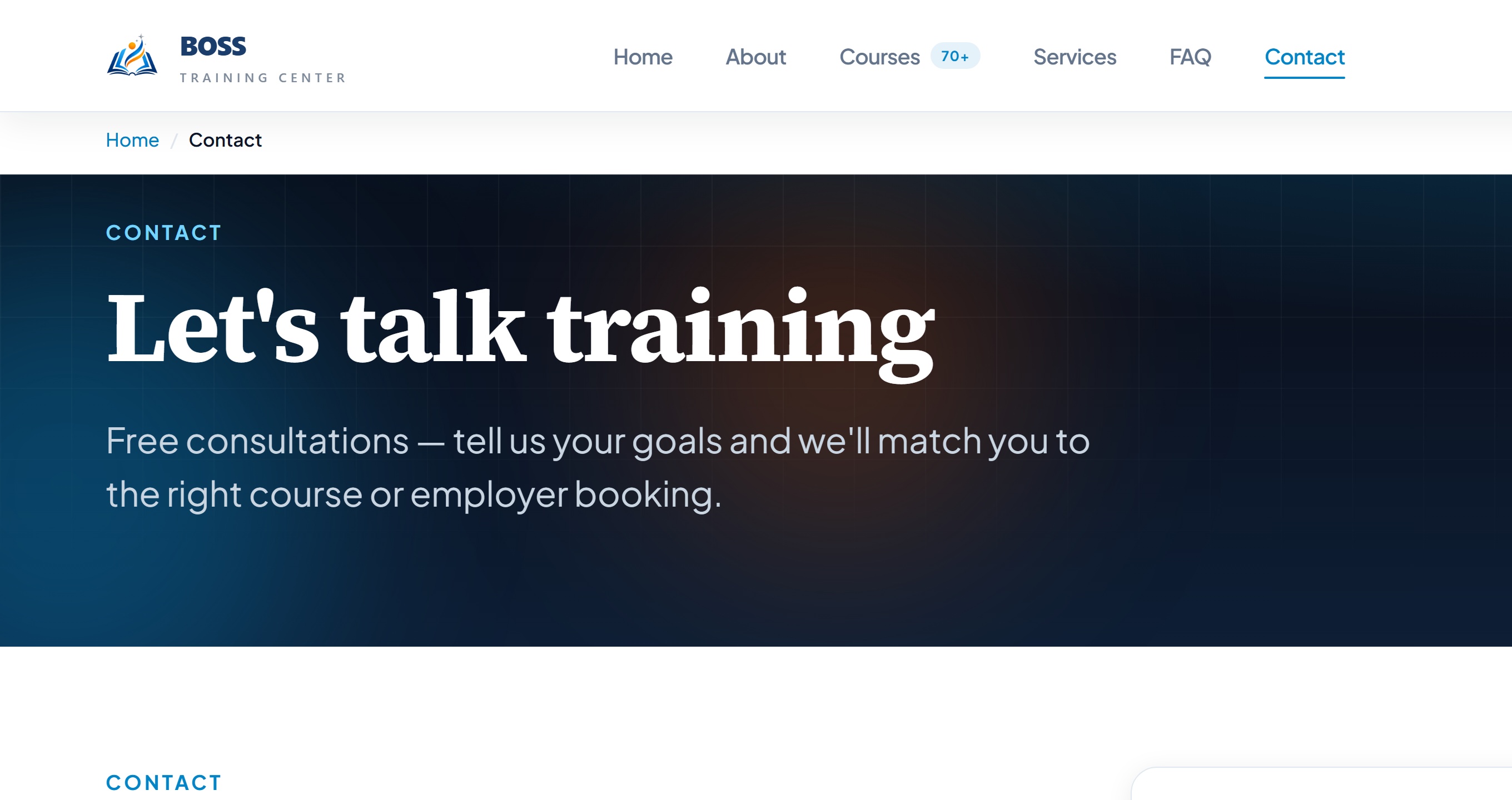
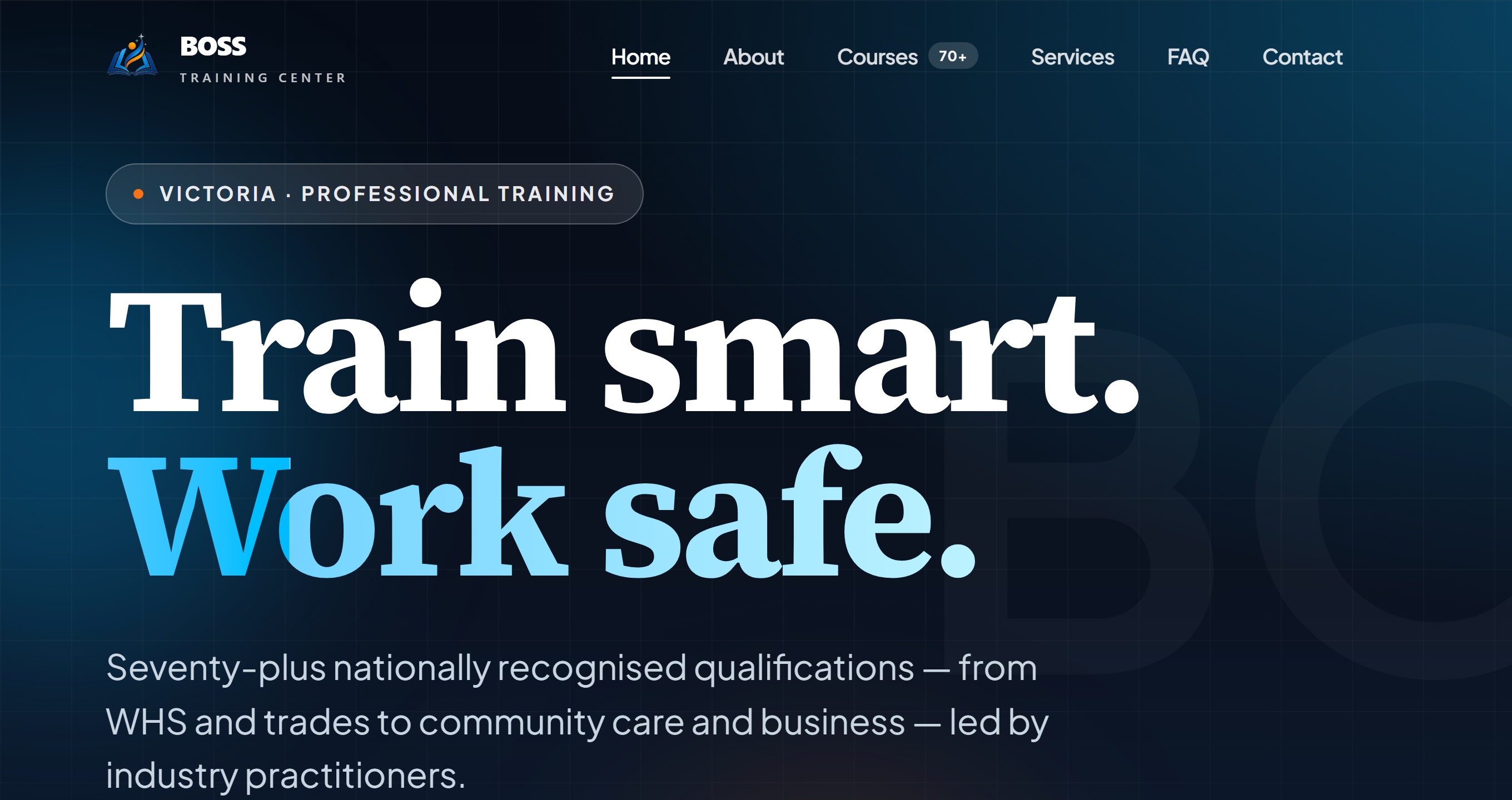
New training centre website launched with Microsoft 365 and security configured to support staff and students reliably.
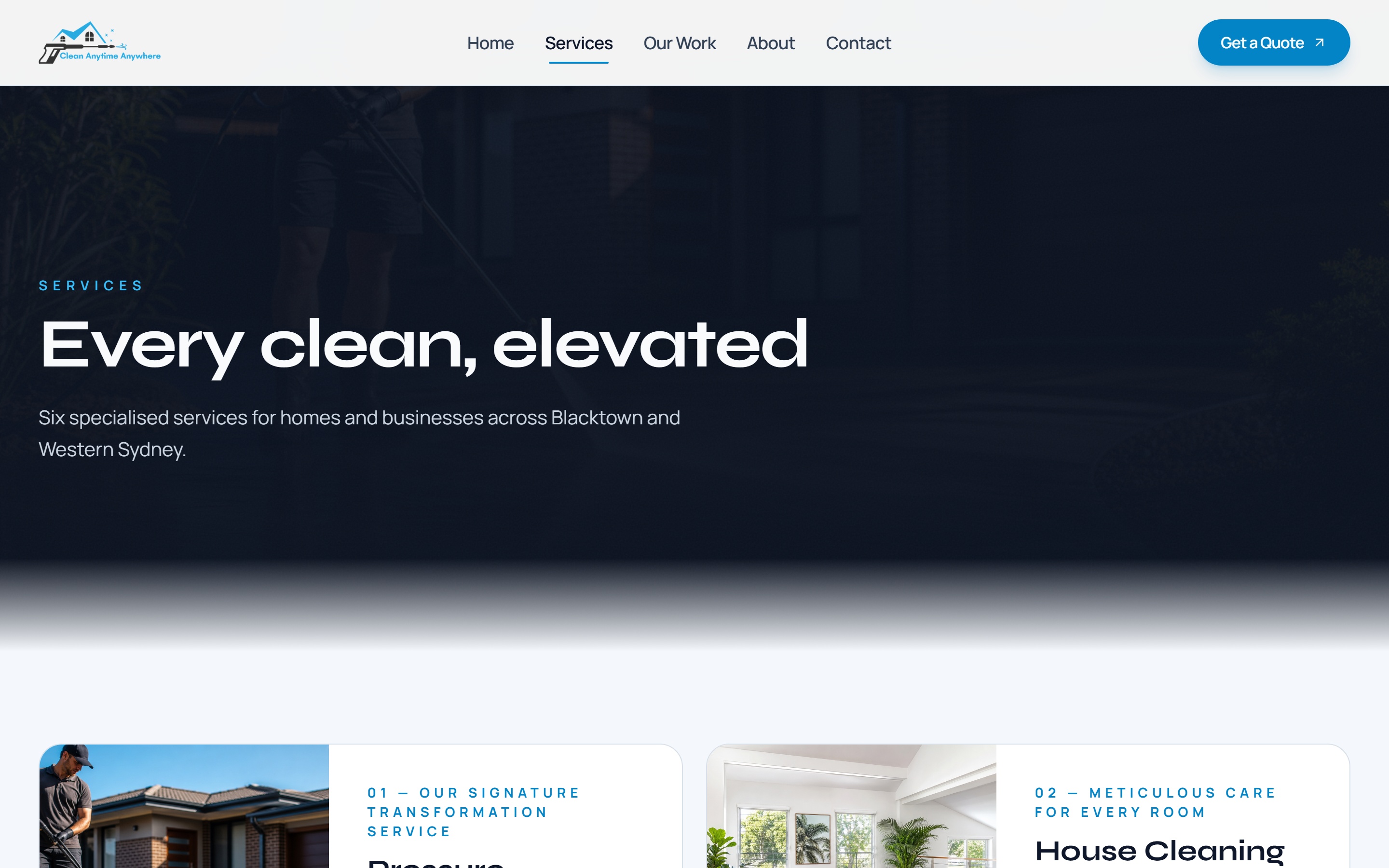
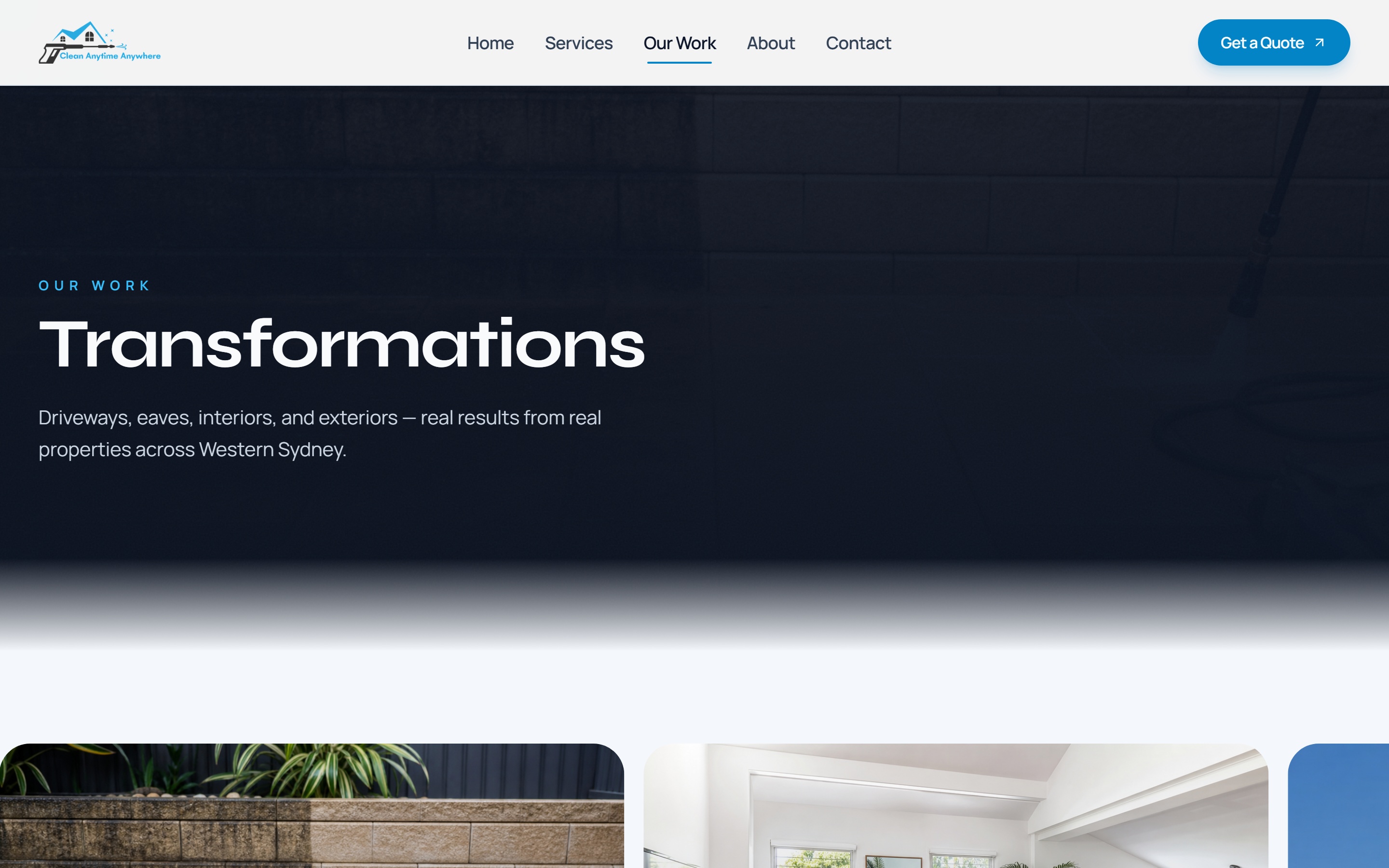
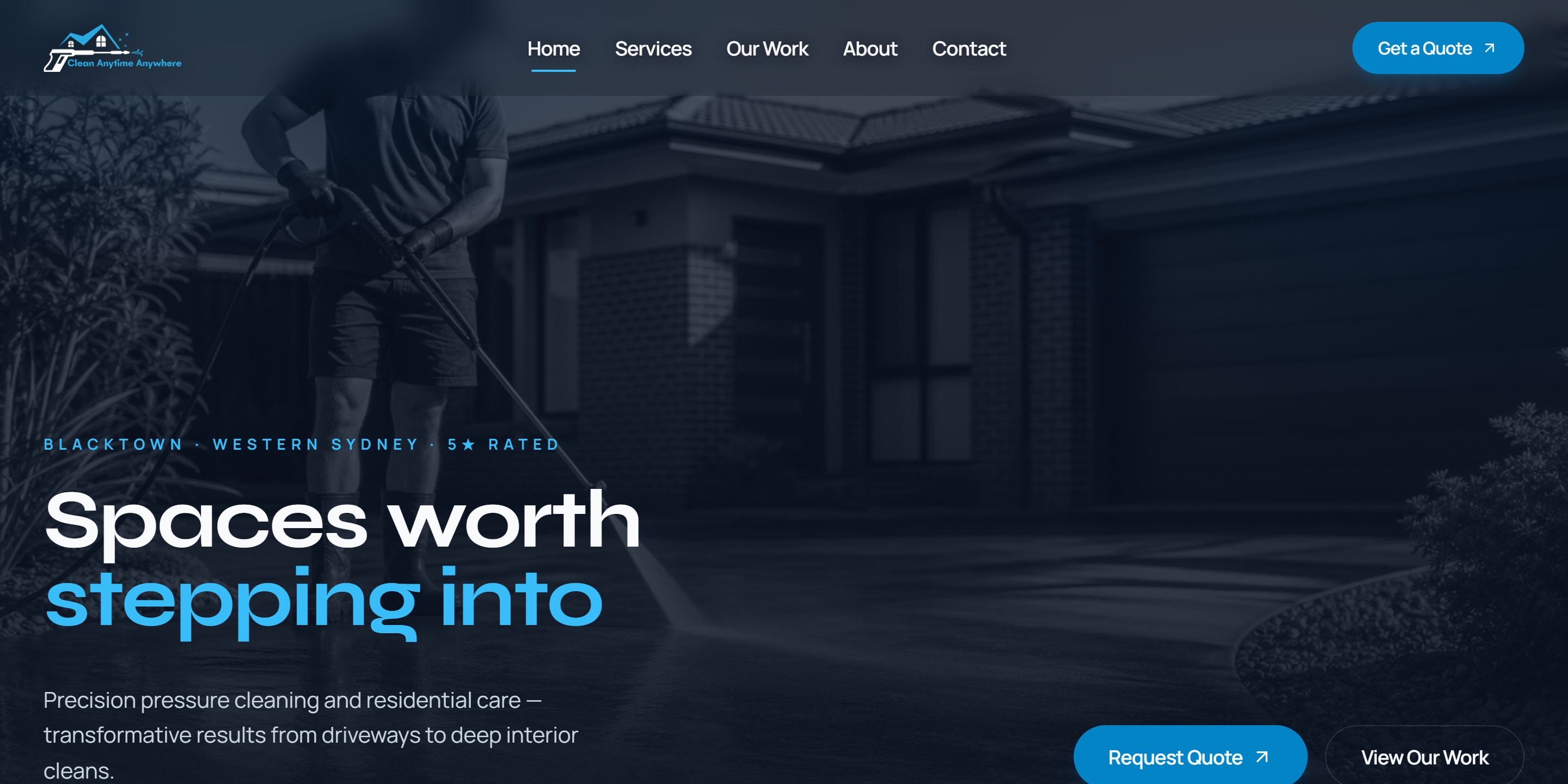
New website launched with security built in from the start — clean, modern and ready for growth.
Social Proof
Melbourne businesses we support with websites, Microsoft 365, security and managed IT.
Free network tools
Full domain check — site, email, DNS and blacklist
Download, upload, ping, jitter and bufferbloat
DNS, SSL and security headers
SPF, DKIM and DMARC records
Spam and DNS blocklist lookup
A, MX, TXT, NS and CNAME records
WHOIS expiry and redirect chain
TLS protocol, cipher and header grade
Common ports 80, 443, 25, 587 and 3389
MrTech platform uptime
Guides
Cloud
A plain-English guide to Microsoft Intune for Australian SMBs — what it manages, when you need it, and how it fits with Microsoft 365.
Security
What Australian small businesses are typically asked before cyber insurance is approved — MFA, backups, email security — and how to prepare without panic.
Managed IT
A practical checklist for Melbourne business owners comparing managed IT providers — scope, security, response times, and exit terms.
Stop legitimate email bouncing or landing in spam by getting your SPF record right for Microsoft 365.
Client Work
Work delivered across websites, Microsoft 365, migrations, device management and security.
Read Google reviewsUpfield SC
Complete digital partner — website, Microsoft 365, security and social media configured and supported end to end.
Elite Community Care
Microsoft 365 and security set up properly for day-to-day care operations, with responsive support when we need it.
Bright Future For You
Website, email and security brought together into one clean setup that is easier for the team to manage.
In2air
New website launched with Microsoft 365 migration, Intune device management and security delivered as one connected stack.
Henge Engineering Consulting
Microsoft 365 email and security configured properly, giving the consulting team a reliable and protected workspace.
QBS Group
Website, Microsoft 365 and security delivered as one connected stack — professional setup from day one.
Boss Training Center
New training centre website launched with Microsoft 365 and security configured to support staff and students reliably.
Clean Anytime Anywhere
New website launched with security built in from the start — clean, modern and ready for growth.
FAQ
MrTech Melbourne is a Melbourne-based IT and web team (MrTech Melbourne PTY LTD) that combines managed IT, cyber security, Microsoft 365 support and modern website design for businesses across Melbourne and Victoria.
Yes. We provide onsite and remote support across greater Melbourne and Victoria for websites, Microsoft 365, devices and cyber security.
That is our core model. MrTech combines website delivery with managed IT and security so you are not juggling multiple vendors.
Free tools at mrtechmelbourne.com/tools include DNS lookup, email authentication checks (SPF, DKIM, DMARC), site security checks, domain and blacklist checks, a speed test, and a full health report.
Yes. Speed test, DNS, email, security and blacklist tools are free to use. If you want help fixing issues they find, contact us at hello@mrtechmelbourne.com.
Guides and case studies are written by Jason.Y, Founder of MrTech Melbourne, and published under MrTech Melbourne PTY LTD (ABN 58 691 151 103). Contact hello@mrtechmelbourne.com with corrections or questions.