Every device secured, every user supported
Unmanaged laptops are the easiest way into your business. We enrol devices into management, enforce updates and encryption, and give your team a clear path when something needs fixing.

Services
Device setup, patching and endpoint management so every machine in your business stays secure and supported.
·

Unmanaged laptops are the easiest way into your business. We enrol devices into management, enforce updates and encryption, and give your team a clear path when something needs fixing.
We handle the full device lifecycle — procurement advice, setup, software deployment, support while in use, and secure wipe when staff leave.
A laptop without enforced encryption, updates and screen-lock is one of the most common ways businesses get breached — not through a sophisticated attack, but a lost bag or an unpatched vulnerability sitting for months. Device management closes that gap with baseline policies applied automatically, so protection doesn't depend on individual staff remembering to install an update.
Ideal for
Why MrTech
One Melbourne team for websites, Microsoft 365, security and day-to-day support — without the finger-pointing.
View our workFree assessment
We review your website, Microsoft 365, devices, backups and security — then recommend a practical plan.
Book free assessmentWhat's included
Intune or equivalent MDM setup for Windows, macOS and mobile, so every device is managed from the moment it's issued.
OS and application updates rolled out on a predictable schedule, closing known vulnerabilities before they're exploited.
Encryption, screen lock, firewall rules and compliance reporting enforced consistently across the whole fleet.
Standard app sets for new starters and role-based installs, so a new device is productive on day one, not day five.
Fast help for device issues without shipping hardware back and forth — most problems get resolved remotely.
Replacement cycles, warranty tracking and budgeting so hardware refreshes are planned, not a surprise expense.
Explore next
Common questions
Yes. We manage mixed environments and align enrolment, patching and security policies appropriately per platform rather than applying a Windows-only checklist to everything.
We can implement BYOD policies with conditional access, but recommend managed business devices for most roles handling sensitive data — personal devices are harder to fully secure and support.
Once a device is enrolled into MDM, standard app sets and security baselines apply automatically — typically ready within a day of the hardware arriving, well ahead of a new starter's first day.
Yes. Device management is enforced the same way regardless of where a device physically is, and combines with our remote-access setup so hybrid staff stay secure without being tied to the office network.
Enrolled devices can be remotely locked or wiped, and encryption means the data on them stays protected even if the hardware doesn't come back. We'll walk you through the process the moment it happens.
We can advise on suitable hardware for each role and coordinate procurement through our vendor relationships, so you're not researching laptop specs on top of everything else.
Ready to start?
Melbourne businesses choose MrTech when they want one team for web, IT and security — without the finger-pointing.
Other services
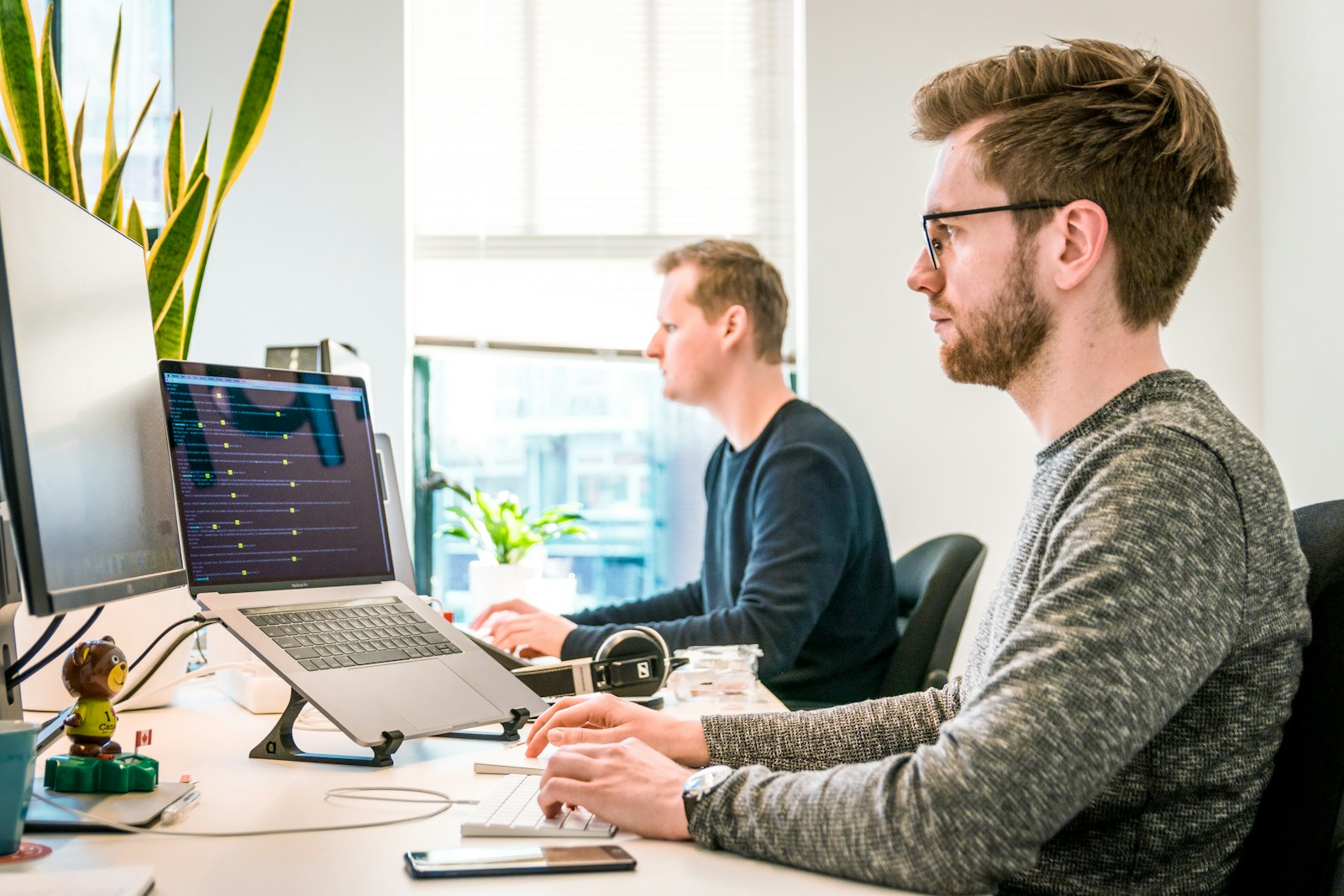
Get reliable Managed IT services in Melbourne. Boost productivity with our expert support and a free IT assessment.

Practical protection, monitoring and secure configuration for modern businesses.
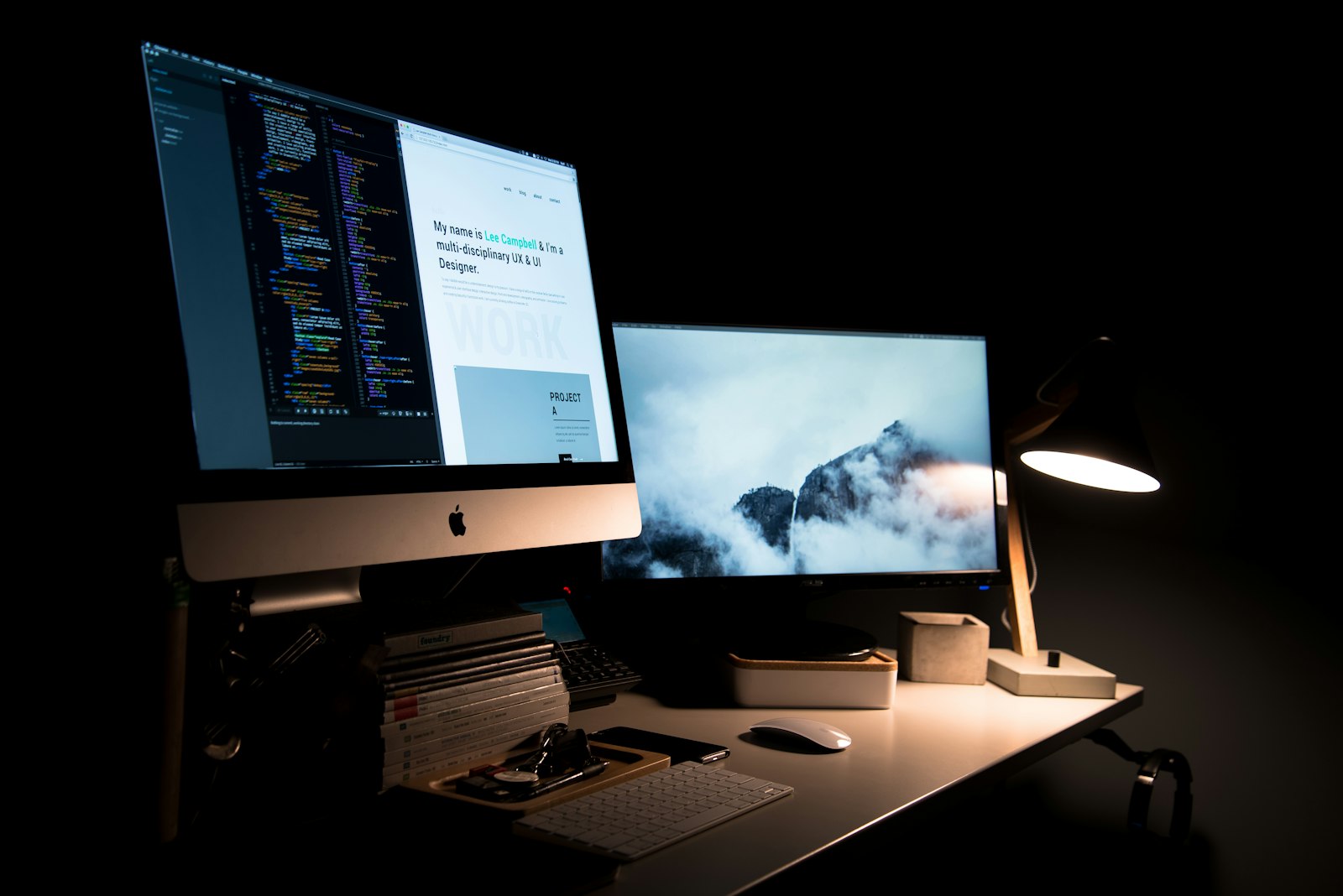
Premium websites built with modern frameworks, not bloated page builders.
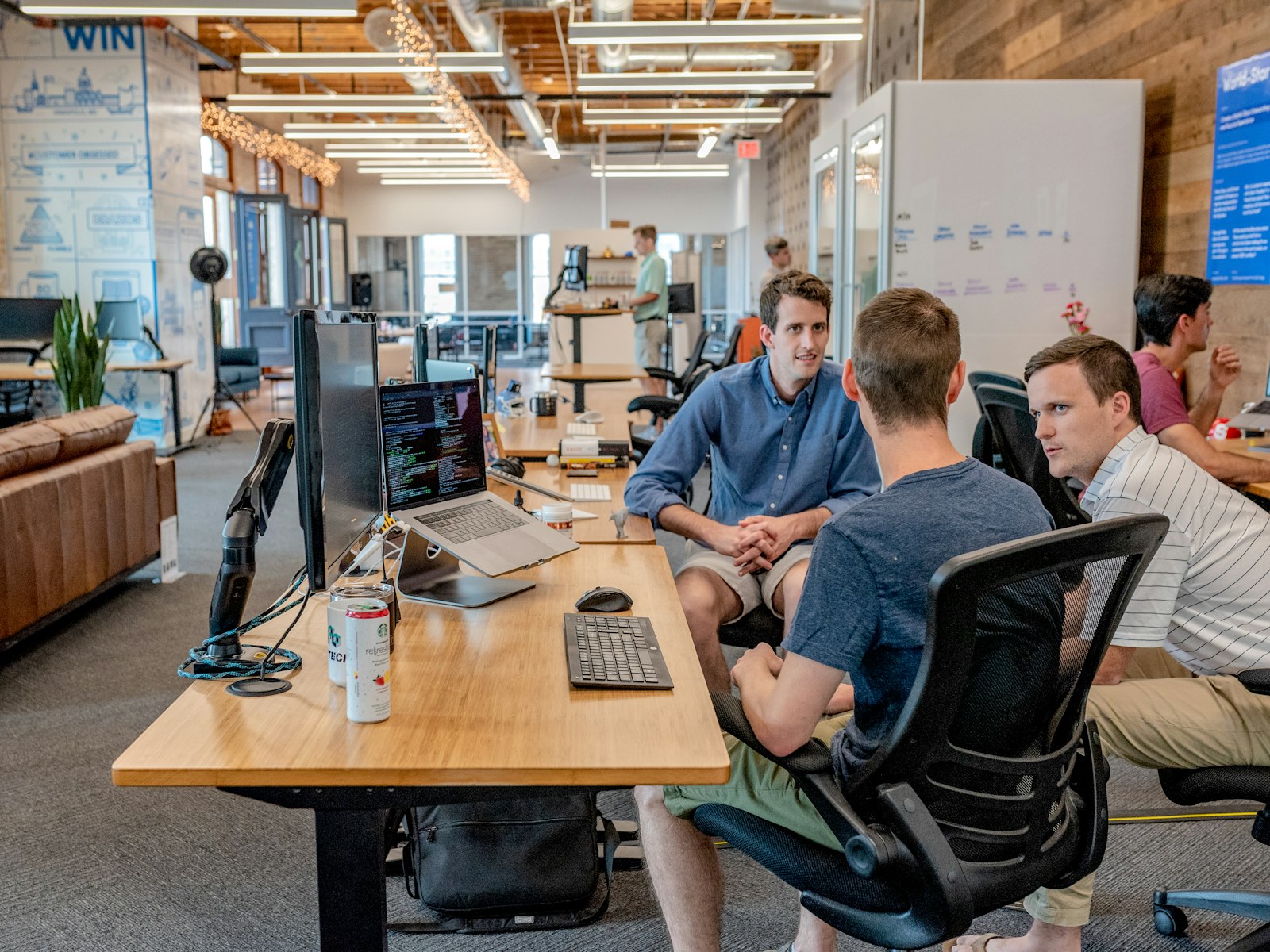
Email, identity, collaboration and productivity environments configured properly.

Backup, cloud access, workflows and optimisation for growing teams.